
How do I see and manage all my tasks?
Published on: 03/11/2026
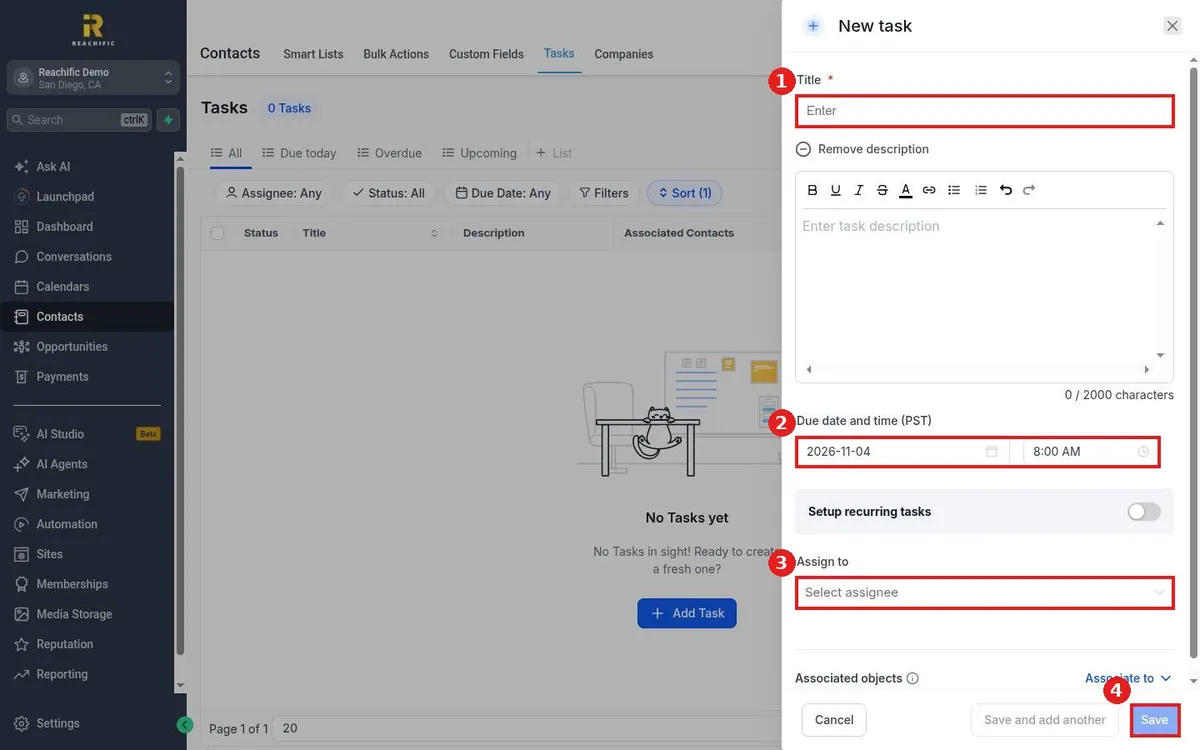
Manage tasks in Reachific: open Contacts, click the Tasks tab, use All, Due today, Overdue and Upcoming views and filters, and click Add Task to create a task with a title, due date, assignee and contact.
tasksto dofollow uphelp center